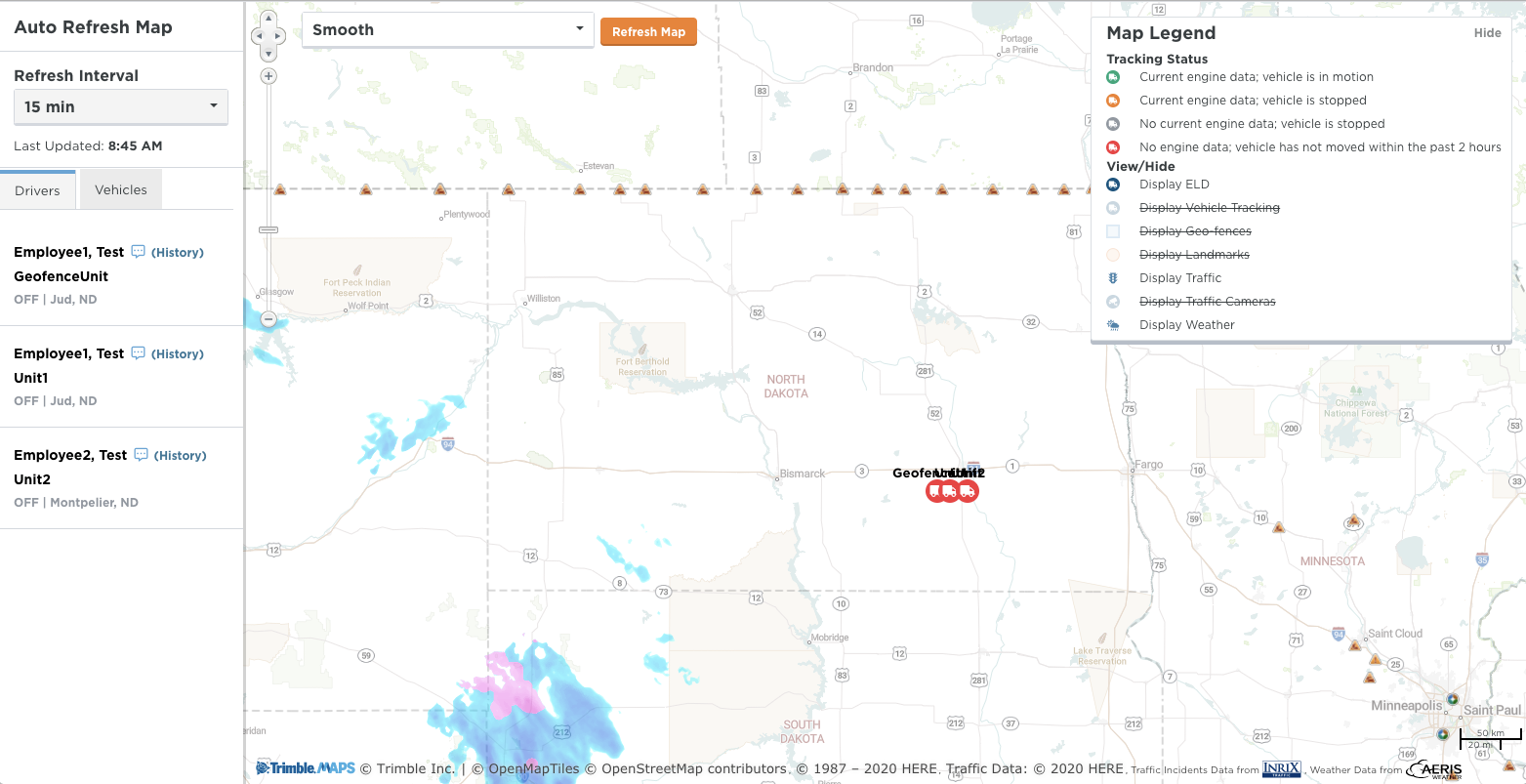
Auto Refresh Map
This article describes the Auto Refresh Map feature in Encompass, accessible from the top of the Live Map. The map opens in a separate window and automatically refreshes at user-defined intervals (default 15 minutes) to provide continuous updates on Vehicle locations. Users can filter the map using the Legend, and any set Landmarks or Geo-Fences will be displayed. This tool is particularly useful for dispatch or customer service roles to monitor Vehicle positions, track proximity to drop-off/pick-up points, and manage fleet operations in real time.
A link to the Auto Refresh Map is found at the top of the Live Map.
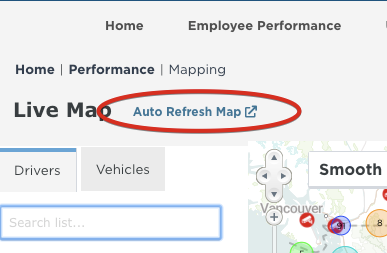
The Auto Refresh Map opens in a separate window, and is designed to refresh at whatever interval the user chooses (default is 15 minutes), as long as the user doesn't click Log Out in their previous Encompass page to log out of Encompass (if the system logs the user out automatically, the map should still be usable).
It will allow the option to filter the map using the map legend on the right, just like the Overview Map but will refresh on it's own based on the Refresh Internal selected.
This map will display any landmarks or geo-fences if any are setup.
The idea for this map is that it could be kept up and used possibly by someone in a dispatch or customer service function to monitor where the vehicles are, how close they are to drop off/pick up points, etc., throughout the day.