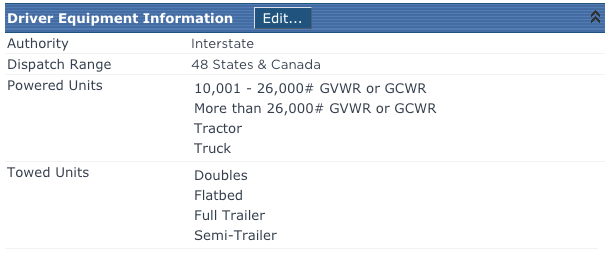
Driver Equipment Information
This article describes how to manage and track a Driver’s Authority, Dispatch Range, and Authorized Equipment within the Driver Qualification section of Encompass. Administrators configure the available options via the Maintain Lookups setup, while users can edit individual Driver Records to select their specific Authority, Dispatch Range, and permitted Powered or Towed Units. Proper entry of this information enables operations and dispatchers to quickly identify Drivers with the necessary skills and capabilities using the Employee Authorization Information Report. The process involves selecting the relevant values and saving the record to ensure accurate Driver assignment and compliance.
This area is located directly after the Driver License Information. Click Edit to add or change information listed here.
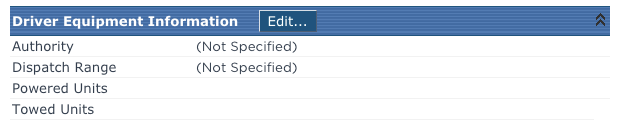
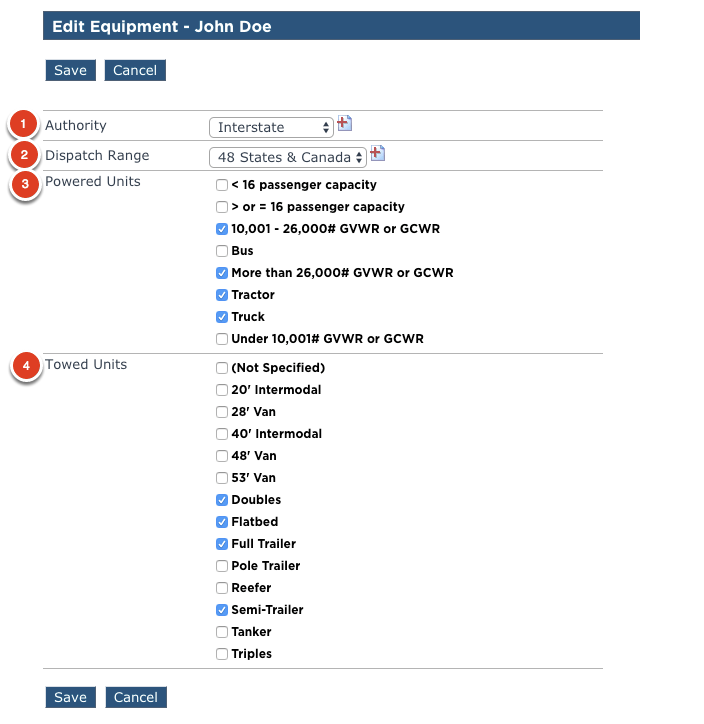
Select the necessary information:
- Authority - Interstate vs. Intrastate
- Dispatch Range - 100 Air Mile range, 48 states, 48 States & Canada, etc.
- Powered Units - This listing might be setup by vehicle weight and/or type. In the example below, both are included.
- Towed Units - This listing might be setup by size or type as well.
Click Save once all necessary items are selected.
The resulting view: