Compliance Network News
This article explains how to navigate and use the Compliance Network News section to access personalized industry news. Content is tailored based on your professional focus, selected topics of interest, and prior engagement on the site. Users can navigate via quick links to specific news categories, search all available articles, and open articles for full details. Within each article, you can print, save, email, copy the link, or use the Target feature to receive similar content in the future. Saved articles can be organized into folders within My Saves for easy access.

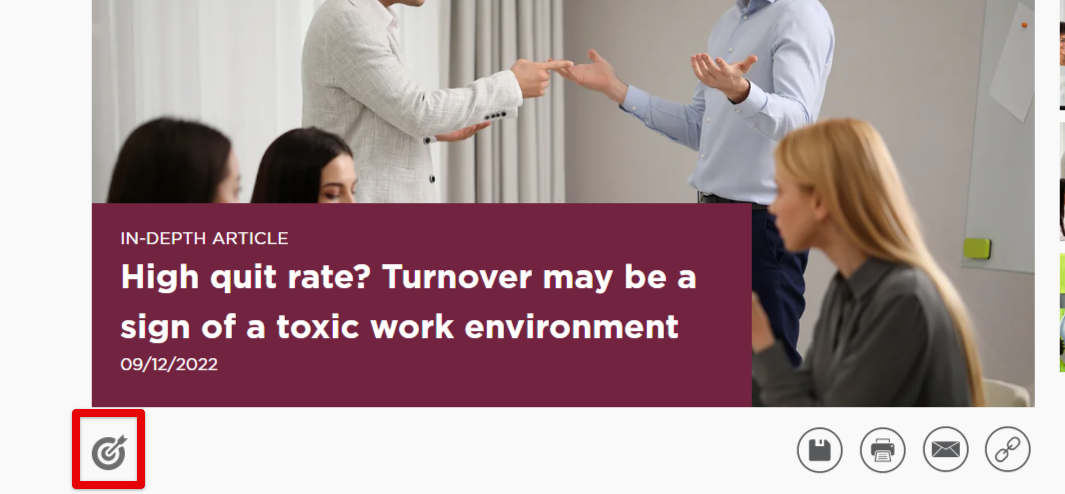
When inside a news article, you can print, save, email, or copy the article link.

Clicking Save will allow you to save the article in your Compliance Network account. A pop-up will appear, prompting you to place the article in a folder. See My Saves for more information regarding My Folders.
 >
> 
If you find an article to be of great interest or importance to you, clicking the Target button will 'tell' the Compliance Network site to keep showing you more information/articles like this.