


Activity Dashboard
This article explains how to navigate and use the My Activity section in the platform. It outlines how to view and manage events in My Event Calendar, including accessing the full events calendar and removing specific events. Users can also review their Recent Views for content accessed within the current day, previous day, or past week. Additionally, it provides access to Expert Help History and current Expert Help resources, as well as activity tracking in Discussion Boards. The guide helps users efficiently track their activity, revisit resources, and stay engaged with discussions.
Go to the drop-down near your name and click My Activity.

My Event Calendar displays the events you have added to your calendar. From here you can access the full events calendar by clicking Go To Events Calendar in the top right. You can also remove specific events from your calendar by clicking (—) Remove From My Calendar.

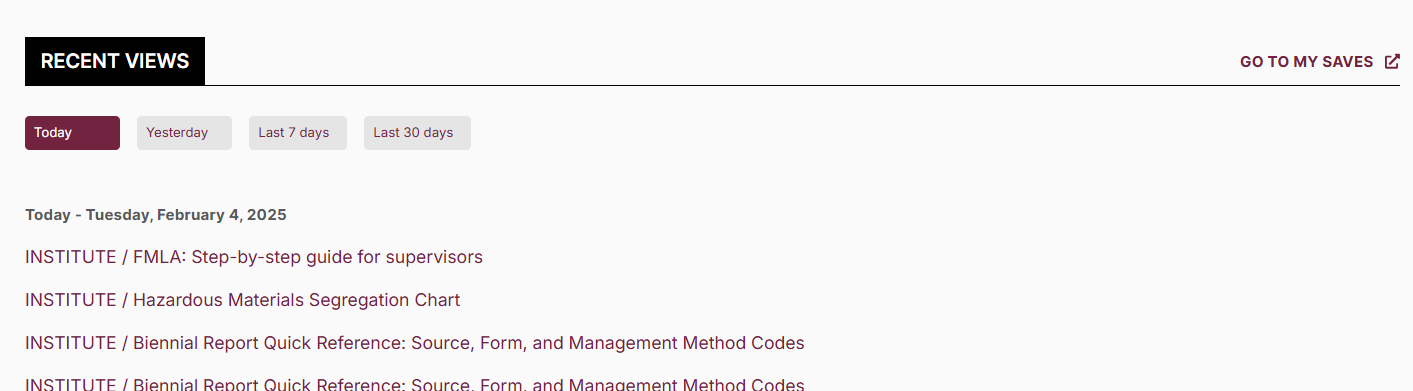
Recent Views lists recent content you have viewed. You can view lists from the current day, the day before, or across the last seven days.
You can access your Expert Help History, as well as the Expert Help feature itself.

Discussion Boards displays any activity in discussion/s you've participated in/interacted with.
