
J. J. Keller Support Center

Menu Functions and Logging Out

This article outlines the functions available in the Menu located in the upper left corner of the Encompass® DVIR application. Key options include Upload Diagnostics for troubleshooting with Client Service Support, Software Licenses for licensure and copyright details, Terms & Conditions for viewing the End User License Agreement, and Contact Support for accessing support phone and email information. Users can also select Check for Updates to install periodic application updates or Admin for advanced troubleshooting with a Support Representative.


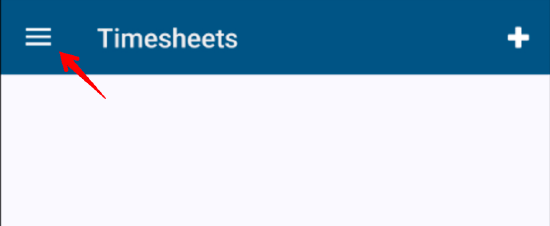
The Menu is found in the upper left hand corner.
 

                                                                       clipboard_eb0c53eaba2c3b60cb5401b16f3d3df92.png


  1. Upload Diagnostics is used by Client Service Support for troubleshooting purposes.
  2. Software Licenses provides licensure and copyright information.
  3. Terms & Conditions provides the End User License Agreement (EULA).
  4. Contact Support provides the phone number and email address to reach Client Service Support.
  5. Check for Updates is used to check for any application updates that occur periodically.
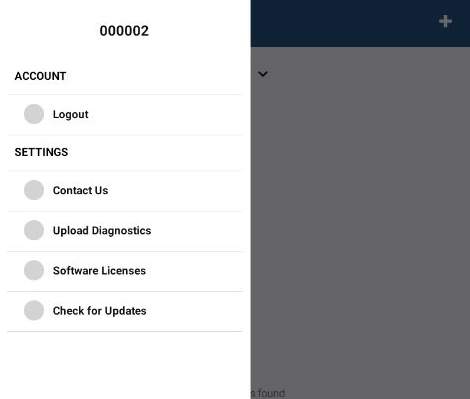
  6. Admin is used during troubleshooting with a Support staff member.


  • Was this article helpful?