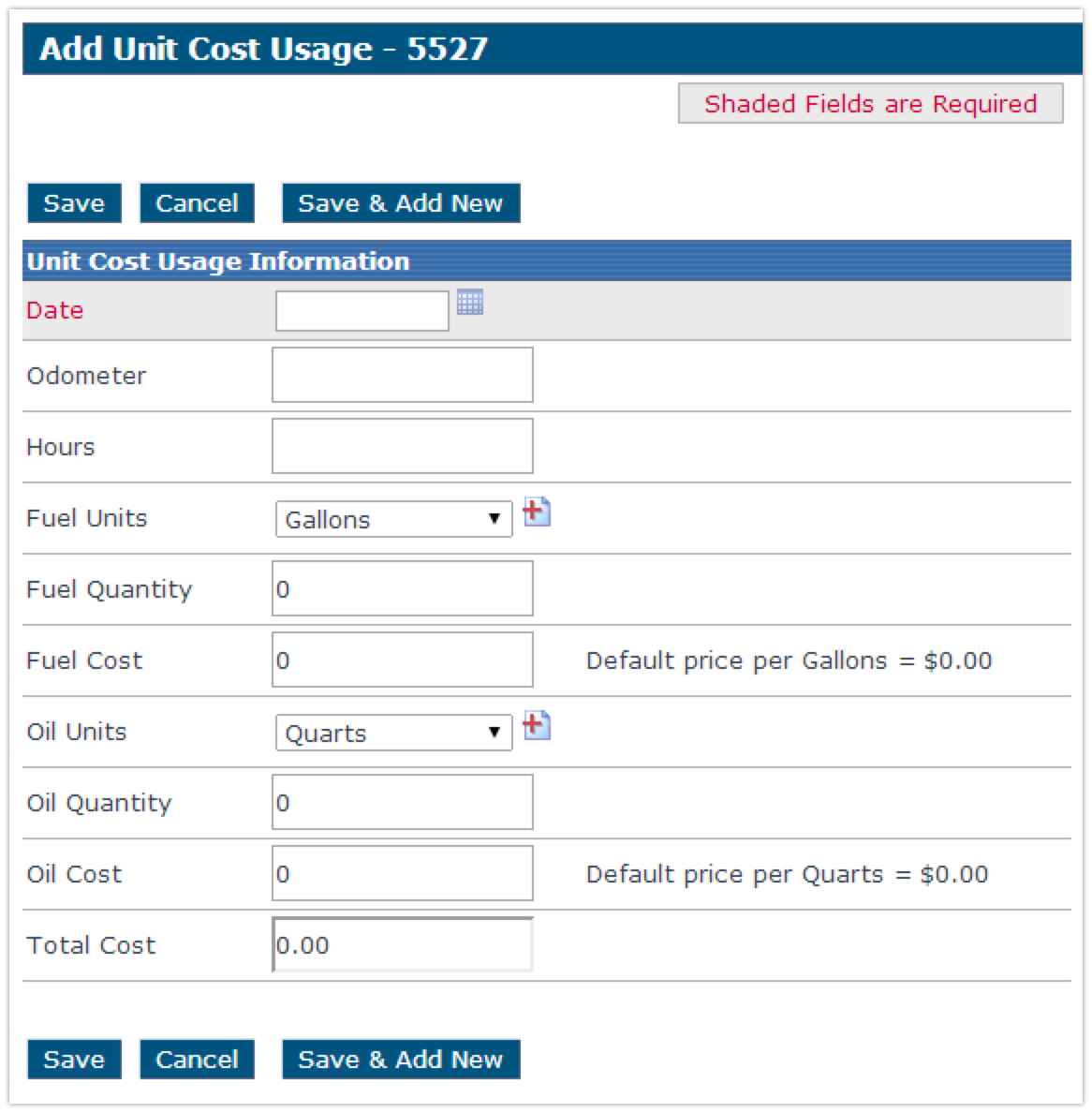
Unit Cost Usage
This article explains how to track and manage the operational costs of a Vehicle in Encompass using Unit Cost Usage, which includes expenses such as fuel and oil. To add cost usage, navigate to Unit Maintenance, select the relevant Unit Code, and click Add Cost Usage under Other Unit Maintenance Tasks. Users must enter the Date for the cost entry, with additional fields available for more detailed tracking. Once all required information is entered, clicking Save records the cost usage for the Vehicle. This process helps monitor Vehicle expenses for maintenance and operational planning.
Adding Cost Usage
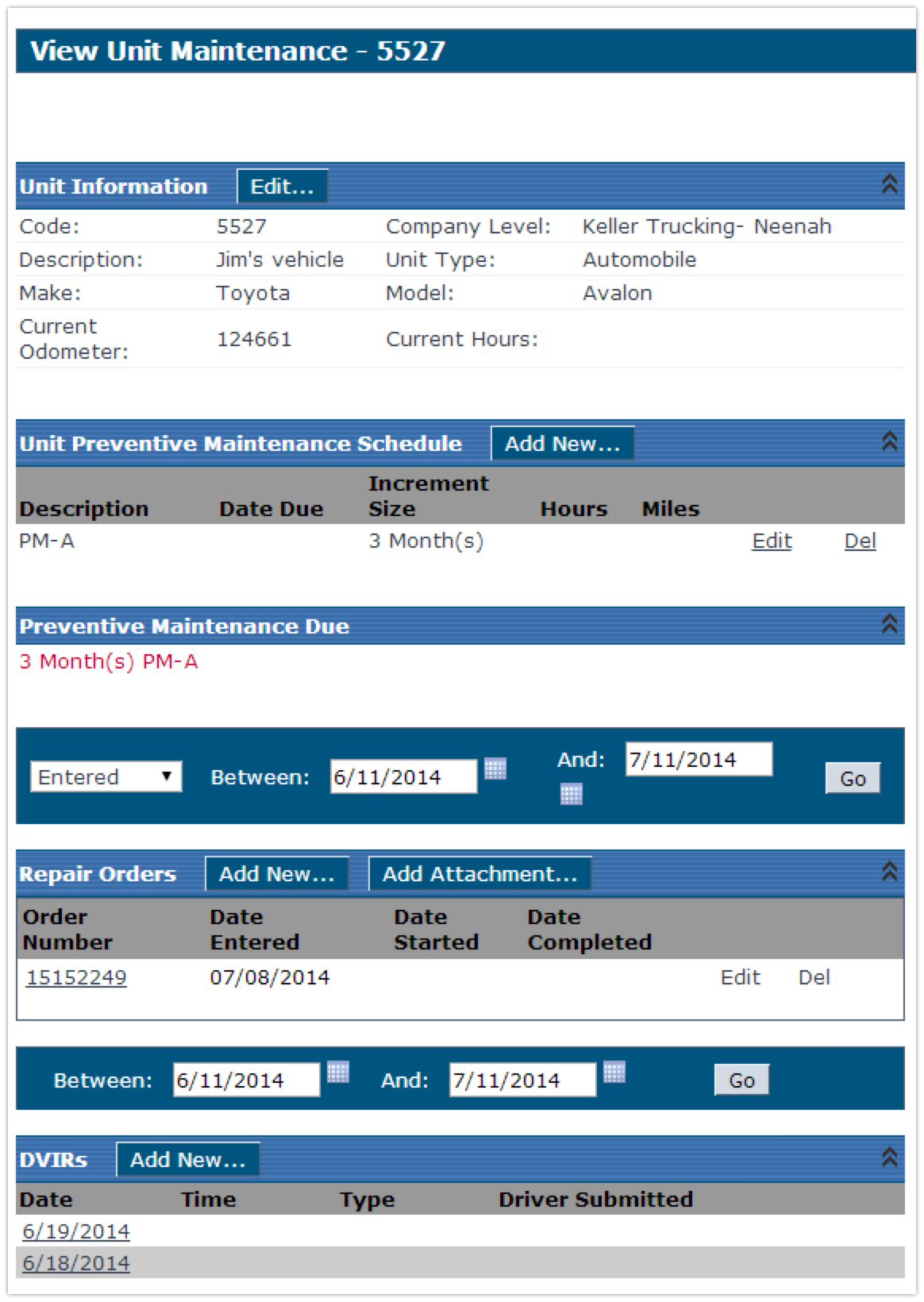
From the Unit Maintenance tab, click on the Unit Code from either searching it on the left hand side in the search bar, or from a list such as All Active Units under Common Views.
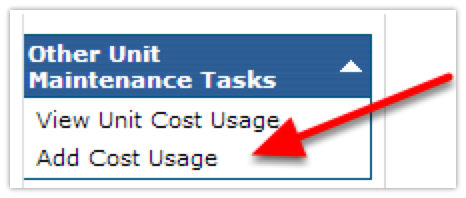
Once viewing the Unit Maintenance for a vehicle, click on Add Cost Usage on the left hand side under Other Unit Maintenance Tasks (Note: If there is nothing listed under this header, click on the white triangle in the blue bar to the right of where it says Other Unit Maintenance Tasks to expand the menu).
Enter in the Date (required). Enter in the remaining fields as needed. Click Save when finished.