


Calendar and Reminders
This article explains how to view and manage Leave Requests and Reminders in Leave Manager. Users can access the Reminders tab to see a calendar and list view of Leave activity, filter entries, and get an overview of upcoming events. Custom alerts or reminders can be added, including the option to receive email notifications. Existing reminders can be edited by selecting the date or deleted using the trash can icon, providing flexible tracking of company Leave activity.
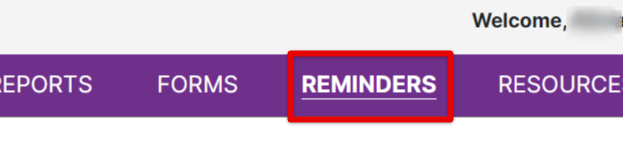
Click the Reminders tab.
This page displays a list of event types, reminders, dates, etc. to help provide a look into leave activity. You can filter entries to view specific results.

Create an Alert/Reminder
To add a custom alert or reminder, select Add Entry.

Enter details of the reminder/alert. Check the box at the bottom to receive an email reminder about the alert in advance.

The reminder/alert will then be displayed in the list.

Edit an Alert/Reminder
Click on the date of the reminder/alert to open its details. Make any necessary changes and save.

Click the trash can to delete the reminder.
