


MVR Monitoring Alerts
The MVR Monitoring Service offers 3 types of Email Alerts: New MVRs Available (notifying when a Driver’s MVR is received), Enrollment Errors (notifying when a Driver enrollment fails), and Weekly Enrollment Error Reminders. These Alerts are only available to users with MVR Monitoring enabled and the DQ MVR Request permission. By default, Alerts are turned off and must be activated via the Alerts Center in Encompass by selecting Customize, enabling the MVR Monitoring checkboxes, and saving. All Alerts are email-based, with “Real-Time” Alerts sent immediately upon report receipt.
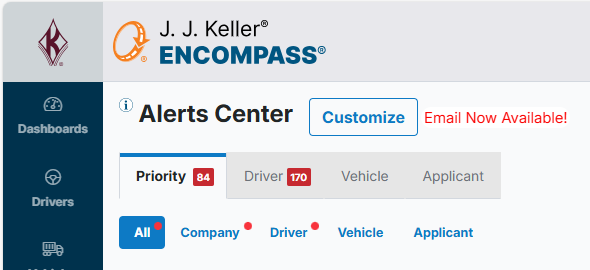
These Alerts are not enabled by default and would need to be enabled in order to receive them. To do this, go to the Alerts Center by clicking Alerts in the left navigation panel.

Select Customize.
The Customize Alerts drawer will display with all possible alerts within Encompass in alphabetical order. Scroll down to the MVR Monitoring Alerts and enable the checkboxes. Then press Save.

Note: All alerts for MVR Monitoring are emails. "Real-Time" just means as soon as we get the report, we email the User right away.