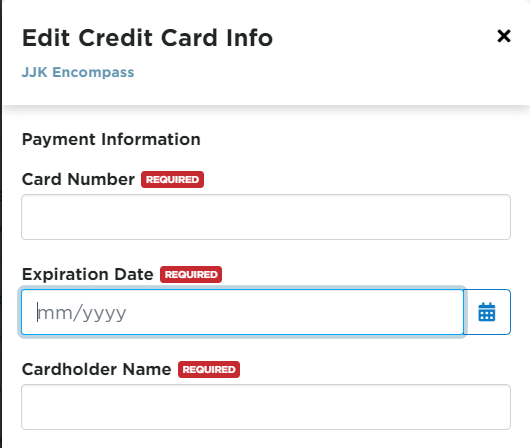
Encompass Credit Card Information
This article explains how to securely manage Credit Card Information within Encompass. Users can access the credit card settings by navigating to Settings from the dropdown next to their name and selecting Credit Card Information in the Company Info section. From there, Administrators can add, update, or remove credit card details as needed, and changes are saved securely within the system. This process ensures that payment information is maintained safely and can be updated by authorized personnel.
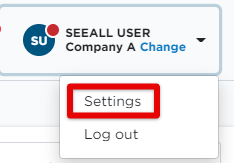
Start by going to Settings in the dropdown next to your name.
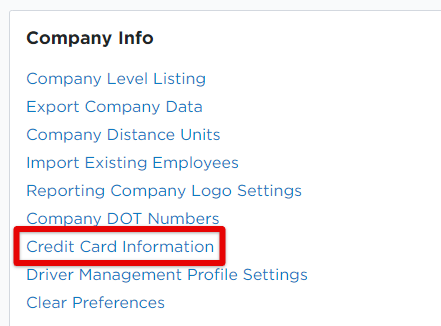
Click on Credit Card Information in the Company Info box.
Enter the required credit card information and Save.