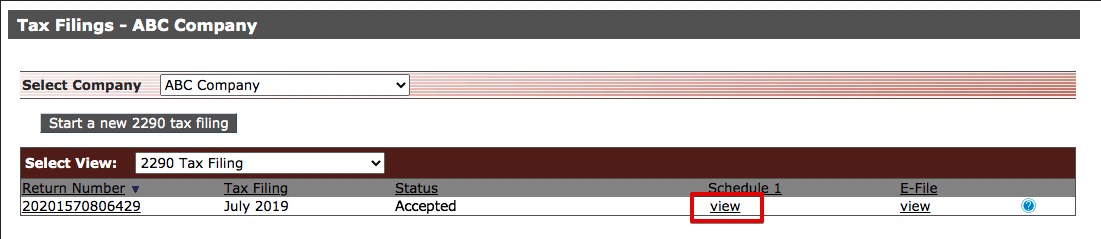
Retrieving your Schedule 1
This article explains how to access and print your Schedule 1 after submitting Form 2290 through the Tax Filing tab. From the Select View dropdown, choose “2290 Tax Filing” to see your filings. Once the IRS accepts your filing, a View link will appear under the Schedule 1 heading. Clicking this link allows you to open and print the Schedule 1 directly from your browser, which will include the IRS e-file watermark and acceptance date as official confirmation.
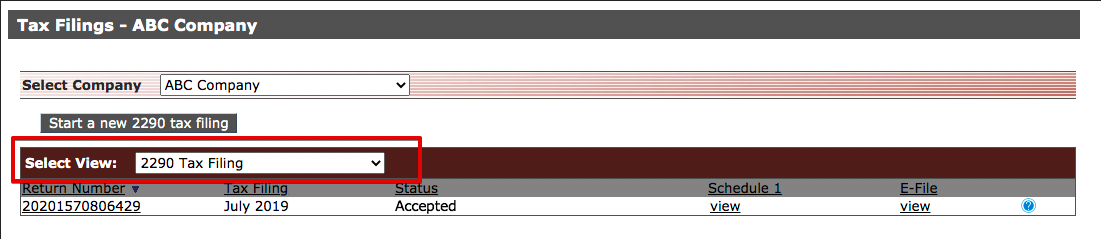
From the Tax Filing tab at the top, select 2290 Tax Filing in the Select View drop down to view your filings.
Once your filing has been accepted by the IRS, a View link will display under the Schedule 1 heading. Click View to see your Schedule 1 and print it from your browser. The Schedule 1 will have a 'e-file' watermark and date; this is confirmation from the IRS of your accepted 2290 filing.