


Employee Company Documents (Plans and Policies)
This article will explain how to make Safety Management System (SMS) company documents—such as Plans, Policies, and Forms—available to employees without requiring them to log in, allowing for easier access to important company information.
To make a document available to employees, open a Plan, Policy, or Form, and click the Available to Employees link in the header. To remove access, click the link again.

Important Note: Only your own documents can be made available to employees. Clone a J. J. Keller template or Add New to begin.
Click Edit to assign one or more Locations to the Plan, Policy or Form for Location-specific document lists.

To manage the employee-facing page, navigate to Settings > Employee Plans & Policies Settings.

- For Location-specific lists, select the Location from the dropdown in the upper right corner. Selecting no location controls the company-wide page.

- Introductory Text will appear below the page title and can provide additional details for employees.
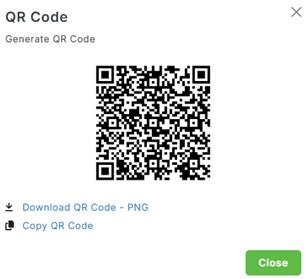
- To share with employees, click Copy URL to Clipboard, or Generate QR Code.

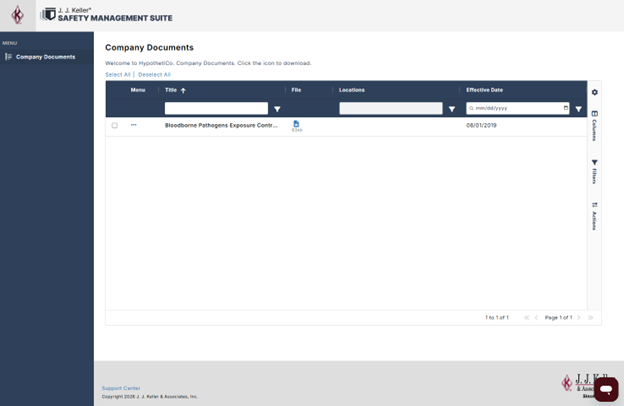
Employees can view a list of Titles, filter by Location, Download, and Preview (PDF only) all documents.
We continue to identify, investigate, and resolve bugs on a consistent basis. If you experience any technical difficulties, please contact our Support Team at SafetySupport@jjkeller.com or by calling (833) 813-7268, Monday – Friday, 7 AM – 6 PM CST.